Wednesday, 9 November 2011

Arrrgh rethink in method..

I've run into a problem :( because now one of the images turn to a more square the shape rather than the rectangular snap of the others and when i parent them together, the rate in which the increase in size is different, meaning some layers end up covering up others. These picture explain what i mean.


As you can see the image on the left, the horizon is quite far away, and you can see a beach ahead of the children, however the image on the right explain my problem, because now the first image has zoomed in to quickly and the perspective has gone out of sync and now the beach or house don't even appear.

I am going to have to work a way around this

Using After Effects


So far the animation is going really well, i simply imported the images into after effects and lined them up to the next image so it filled the white space.  Using keyframe i started to enlarge the image so it would give the impression that the camera was zooming in.


To make sure the image stay in line i used the parenting tool so what i did to one image it did to all, this meant they all upscaled at the same rate leading to a smooth zoom. 

My images


These are my images, there is a gap in the centre of each of them as that is where the next photo is going to be placed. Within after effects i will resize them so hopefully they weill merge together to create what appears to be one image.

So hopefully it will look something like this

Continuous zoom effect

http://www.stumbleupon.com/su/4v33g6/zoomquilt2.madmindworx.com/zoomquilt2.swf


As you can see the animation is constantly zooming in revealing more and more within the images. I really like this technique, you feel very immersed within it which is something i would like my sting to achieve.
This is why i am going to adopt this approach to my idea as i feel it will result in some really intriguing plus its something i've never tried before so its quite exciting.

Sketches


Action Plan

So this is what i plan to do next:

draw more detailed sketches which depict my storyboard better

use other materials, like paint and coloured pencils to depict the colour palette

come up with a theme and style for my animation

start using after effects more, learn more techniques to give an edge to my animation

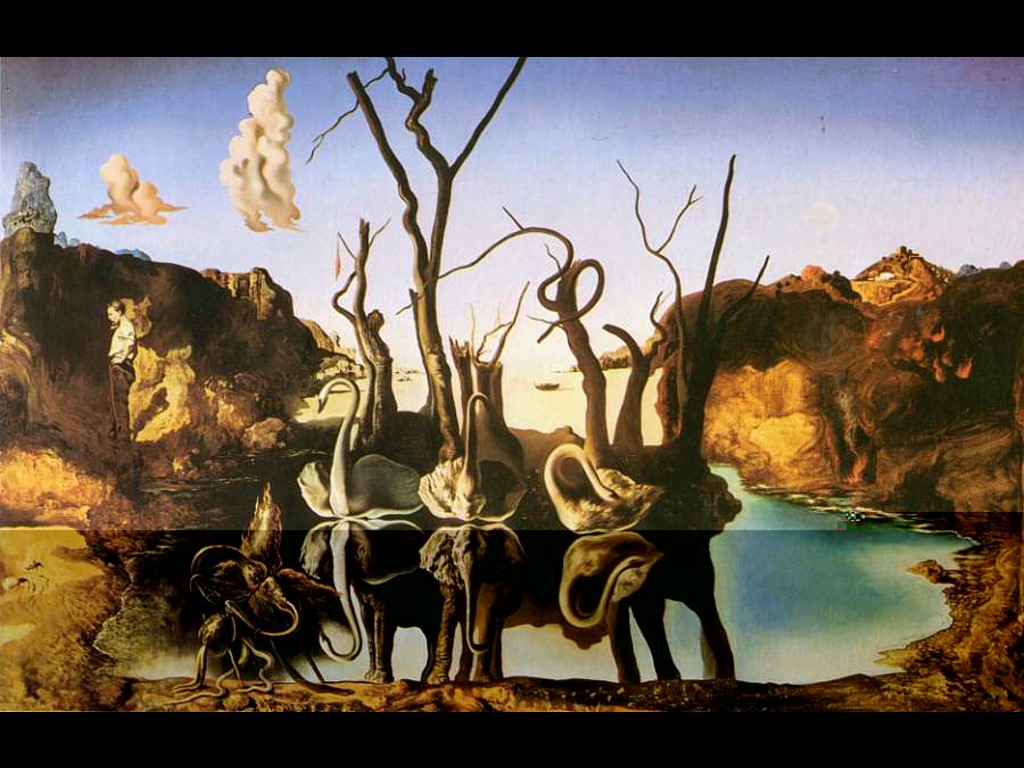
Salvador Dali


Much like the work of Esao who i feel was inspired by Dali's design. I really like the surrealist approach with things not quite being the way they should. I really love the vast landscapes depicted in the designs and also the colour palette that is used. Together they give these very unique style of drawing and character to the pieces.